
Today
- 12Cases
- 9Clients
- 3Alerts
Agenda
- 10:30Hearing · 2026/42 E.
- 14:00Client meeting
- 16:15Deadline day
The file fits the phone.
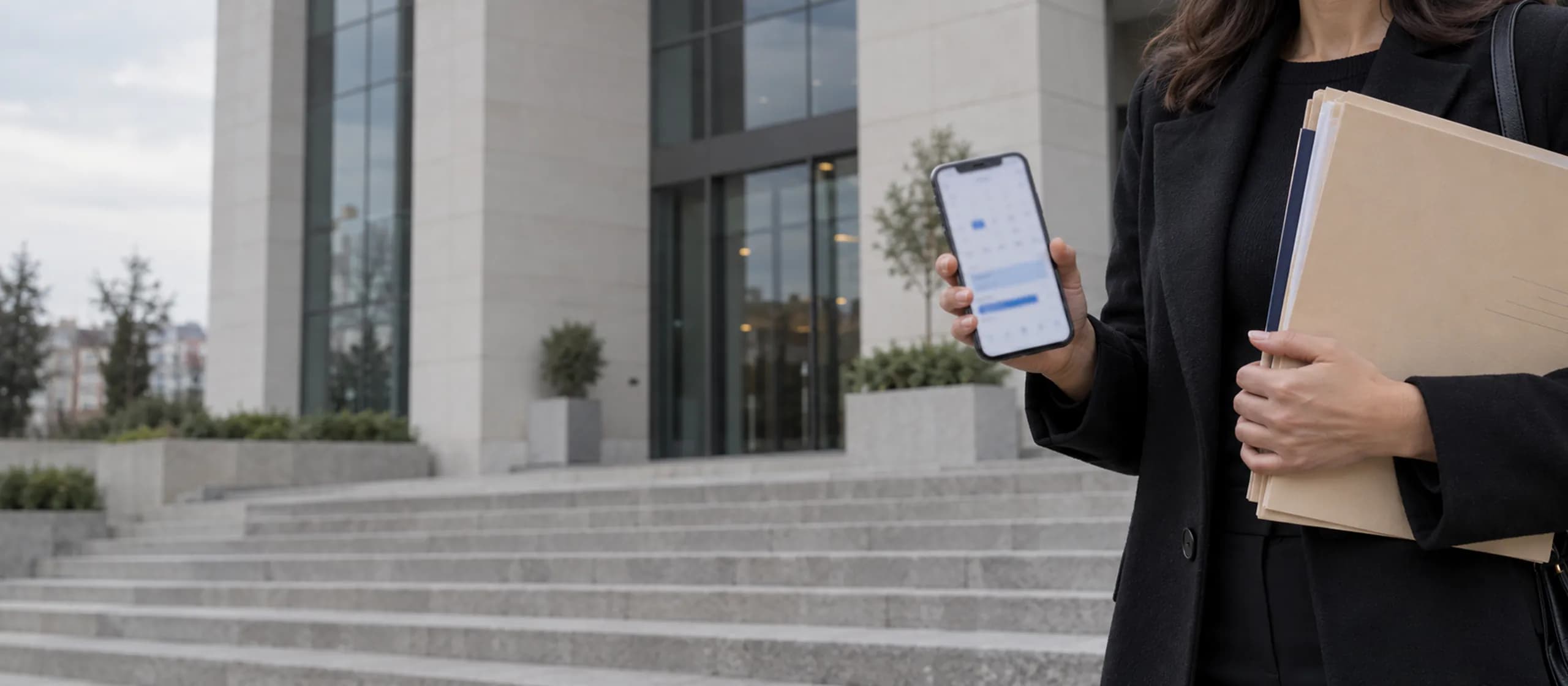
The HukukBis mobile app for lawyers in Turkey runs on iOS and Android. In a courthouse corridor or on the road you look at your cases, clients, agenda and notifications.
01/06 · Screens
Eight screens of the app
Every screen stands in order; scroll to see what you do on which one.
- 09:41
Sign in to HukukBis
Secure sign-in
Sign in
01/08 · Sign-in
Sign-in matches the web
You sign in with the same account; your permissions are the same as in the web app and you define nothing separately on mobile. If the account is new, the setup steps meet you on mobile too.
- 09:41
Today
- 12Cases
- 9Clients
- 3Alerts
Agenda
- 10:30Hearing · 2026/42 E.
- 14:00Client meeting
- 16:15Deadline day
02/08 · Home
Start the day on the home screen
Case, client and notification counts sit on top and today's hearings with their times below. The agenda reads the same records as the calendar and agenda on the web.
- 09:41
Cases
- 2026/42 E.Client AHearing
- 2026/17 E.Sample Logistics Inc.Pending
- 2025/311 E.Client CDecision
03/08 · Cases
List, detail and Kanban
The case list is searched and filtered; tap a case to open its parties, status and hearings. Kanban shows the status columns; moving a card happens on the web. Full management: case management and Kanban.
- 09:41
Clients
- Client AIndividual, 2 cases
- Sample Logistics Inc.Corporate, 5 cases
- Client CIndividual, 1 case
04/08 · Clients
The card is at hand when a client calls
Identity, contact details and linked cases sit on one card; you recall the latest status before the meeting and call with one tap. The card is described in client management.
New hearing: 2026/42 E., 17 November 10:30
09:41Notifications
- 09:41Hearing created
- YesterdayPayment completed
- YesterdayHearing created
05/08 · Notifications
The notification list in your pocket
Every notification stays in the list with its detail; tap it to open the hearing or payment. All five channels are on the notifications page.
- 09:41
Search
2026/42
- Case2026/42 E. receivable case
- Document2026/42 power of attorney.pdf
- HearingFirst hearing, 17 November
06/08 · Search
The file you want is a few letters away
Search runs over case, document and hearing records; only results you are allowed to see come back, and tapping one opens the case. Search reads the same records as the web.
- 09:41
Courthouse directory
- Turkey
- Mersin
- Yenişehir
- Courthouse A
- Courthouse B
- Courthouse C
07/08 · Courthouses
Province, district, courthouse
The directory goes down country, province and district to the courthouse; Turkey's 81 provinces and 973 districts are on record. When a hearing lands in another province you find the courthouse before you set off.
- 09:41
Appearance
- System
- Light
- Dark
08/08 · Theme
Light, dark and system theme
The app switches between system, light and dark theme, which is easy on the eyes when you read a file late at night.
02/06 · Flow
From agenda to courthouse on one phone.
An evening before a hearing: open the agenda, go into the case, get the reminder, find the courthouse. Four screens run on the same account and the same records.
- 01/0416:58
The home screen opens tomorrow’s agenda: the 2026/42 E. hearing at 10:30 and a client meeting in the afternoon.
- 02/0416:59
Tapping the hearing opens the case: client, court, status and the hearing date sit on one screen.
- 03/0417:00
The reminder set for the day before comes due and lands as a push; tapping it opens the notification list.
- 04/0417:02
In the courthouse directory you pick the province and district; the courthouse the hearing is held at is found before you set off.
Agenda
03/06 · Push
The important moment reaches your phone
When a hearing is created and when a payment is completed, a push notification lands on your phone and shows up even while the app is closed. Tap it to open the hearing or the payment.
HukukBis09:41
New hearing: 2026/42 E., 17 November 10:30
04/06 · Courthouse
A hearing in another province, a familiar screen
On the way to the courthouse in the morning you check the file's status, its time and the client's card; while you wait in the corridor your notifications are at hand.
05/06 · Scope
Reading and follow-up on the phone, records on the web
- iOS
Runs on iOS; sign-in, agenda and notifications arrive with the same account.
- Android
Runs on Android phones; push notifications arrive while the app is closed too.
- Dark theme
System, light and dark theme options are there.
- Read-only
You look at cases, Kanban, clients, notifications, search and courthouse information. Creating and editing records, appointments, invoices, document uploads and AI work are done in the web app; the line is drawn on purpose so the screens on the phone stay fast and plain.
06/06 · Questions
What do people ask about the mobile app?
- 01/05
What can I do on mobile?
On mobile you use the case list and detail, the read-only Kanban, the client list and detail, the home screen and agenda, notifications, search and the courthouse directory. Creating and editing records, invoices, documents and AI work are done in the web app.
- 02/05
Is data stored on the phone?
The session is kept in the device's secure storage. Case and client data are fetched from the server with your account's permissions; the app does not accumulate them on the phone.
- 03/05
On which events do push notifications arrive?
A notification is produced when a hearing is created and when a payment is completed; it reaches your registered device as a push too. The same notifications also appear in the in-app list.
- 04/05
Is there a dark theme?
Yes. The app comes with system, light and dark theme options. With the system option it follows your phone's appearance setting.
- 05/05
What happens offline and for records outside my permissions?
The app fetches data from the server on every launch with your account's permissions. So files do not open without a connection, but nothing of the case data stays inside a lost phone. A record you may not see on the web does not appear on mobile either; permissions are managed on the roles and permissions screen.