
The payment link closes the invoice by itself.
The client pays through the link on the invoice with iyzico; a verified payment turns the invoice Paid and updates your collection rate.
01/04
5 stepsFive steps from Sent to Paid
Follow the steps in order or jump to any of them; the payment result comes from iyzico and is not applied to the invoice until it is verified.
01/05
Firm
An online payment is started from an invoice that has been sent.
02/05
Firm
A single-use secure payment link is created and the payment record opens as Pending. You send the link to the client.
03/05
Client
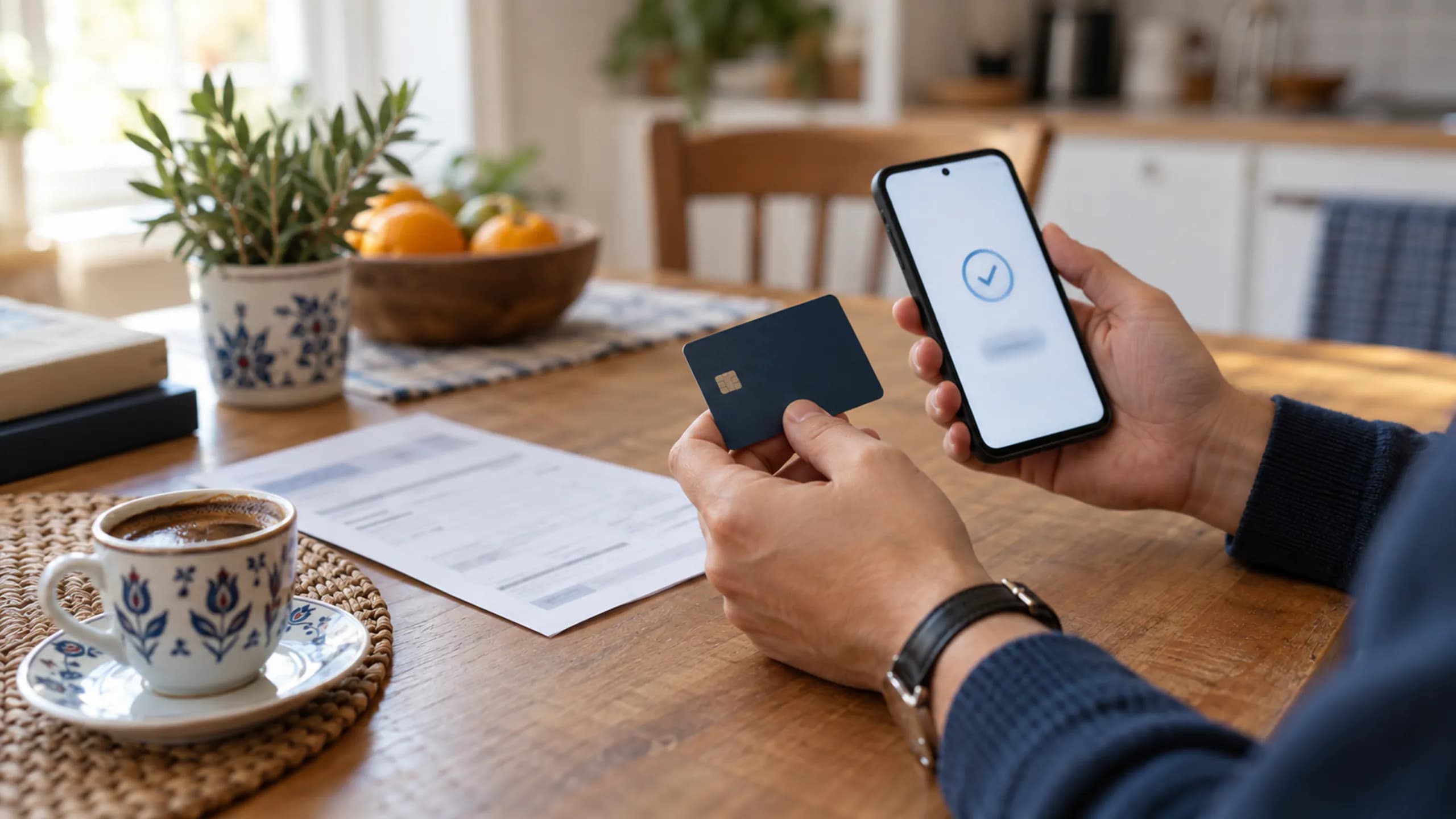
The client opens the link on their phone, sees the amount and enters the card on iyzico's payment form.
04/05
HukukBis
The result arrives as a signed callback; a notification whose signature does not verify never touches the invoice. Meanwhile the payment shows as Under review.
05/05
Invoice
The payment becomes Successful, the invoice becomes Paid and is locked. The firm gets a notification and the collection rate updates.
Invoice Sent
02/04
Paid is only granted by a verified payment
The invoice is locked while a payment is processed, so even if the client opens the page twice or the callback arrives twice, the invoice closes once. A paid invoice cannot be edited. Invoice lines and statuses are described on the billing page.
03/04
The payment list tracks four states
Every payment shows in the list in one of four states. When a payment completes, the firm gets a notification; the channel it arrives on depends on your notification settings. The paid amount reaches the collection rate straight away.
- Pending
- The payment session is open and the client has not finished. The link is valid.
- Under review
- The result is in and the signature is being verified. The invoice does not change.
- Successful
- The payment is verified: the invoice becomes Paid and a notification is created.
- Failed
- The payment was not completed: the invoice stays open and you can create a new link.

The card number, expiry date and security code are entered only on iyzico's payment form; HukukBis never stores them. HukukBis is developed and operated by HukukBis, which holds an ISO/IEC 27001 certified information security management system and TSE certified processes. More on payment security and the security and KVKK page.
04/04
What do people ask about online payments?
- 01/06
Which cards are accepted?
The client pays by card on iyzico's secure payment form. The accepted card types are shown on the form by iyzico.
- 02/06
Who pays the commission?
The transaction commission follows iyzico's payment service terms. HukukBis plan fees are separate and listed on the pricing page.
- 03/06
Is the payment link single-use?
Yes. A single-use payment session is opened for every payment started from an invoice; when the client clicks the link they see the amount and the invoice details.
- 04/06
What happens to the invoice if a payment fails?
The payment is recorded as Failed, the invoice stays open and shows in the payment list. You can create a new link for the client; if the due date has passed, the invoice is already marked Overdue.
- 05/06
Where does the payment notification arrive?
When a payment completes, the firm gets a notification. Depending on your notification settings the channel can be in-app, e-mail, SMS, WhatsApp or push.
- 06/06
Where is the card information stored?
Card information is entered and processed only on iyzico's payment form. HukukBis does not store the card number, expiry date or security code.